.svg)
What Is Multi-Factor Authentication? Top MFA Authentication Methods & Factors
Keeping your business secure is more important than ever. If you want to protect sensitive data, you need to understand what is multi-factor authentication and why it matters. In this blog, you’ll learn how multi-factor authentication works, the different types of authentication factors, the main benefits, and practical steps for using MFA in your organization. We’ll also cover common challenges, best practices, and answer the most frequent questions businesses have about this essential cybersecurity tool. Expect to see terms like verification, token, and authenticator app explained in simple terms.
Understanding what is multi-factor authentication
Multi-factor authentication, or MFA, is a security process that requires users to provide two or more pieces of evidence before they can access an account or system. These pieces of evidence are called authentication factors. By using more than just a password, MFA makes it much harder for unauthorized people to gain access to your business data.
Businesses often rely on usernames and passwords, but these can be stolen or guessed. MFA adds extra layers, like a code sent to your mobile phone or a fingerprint scan. This means even if someone gets your password, they still need another form of authentication to log in. With cyber threats on the rise, MFA is a simple but powerful way to boost your company’s data security.
Common mistakes businesses make with MFA
Many companies set up MFA but miss important steps that leave them vulnerable. Here are some of the most common mistakes and how to avoid them.
Mistake #1: Relying only on sms codes
SMS codes are easy to use, but they can be intercepted by attackers. If you only use SMS as your second factor, your accounts may still be at risk. Consider using an authenticator app or hardware token for stronger protection.
Mistake #2: Not training employees on authentication factor use
Employees may not understand why MFA is important or how to use it correctly. Without proper training, they might skip steps or fall for phishing scams. Make sure everyone knows how to use each authentication method and why it matters.
Mistake #3: Ignoring backup options for multi-factor authentication
If someone loses their phone or can’t access their second factor, they might be locked out. Always set up backup options, like recovery codes or alternate devices, to avoid business disruptions.
Mistake #4: Using weak passwords with two-factor authentication
MFA is powerful, but it’s not a reason to use weak passwords. Always combine strong passwords with MFA for the best security.
Mistake #5: Forgetting to update MFA settings after staff changes
When employees leave or change roles, their access should be updated right away. Failing to do this can leave your systems open to compromise.
Mistake #6: Overlooking regular reviews of the effectiveness of the authentication method
Threats change over time. Regularly review your MFA setup to make sure it still meets your security needs.
Key benefits of using multifactor authentication
Adding MFA to your business brings several important advantages:
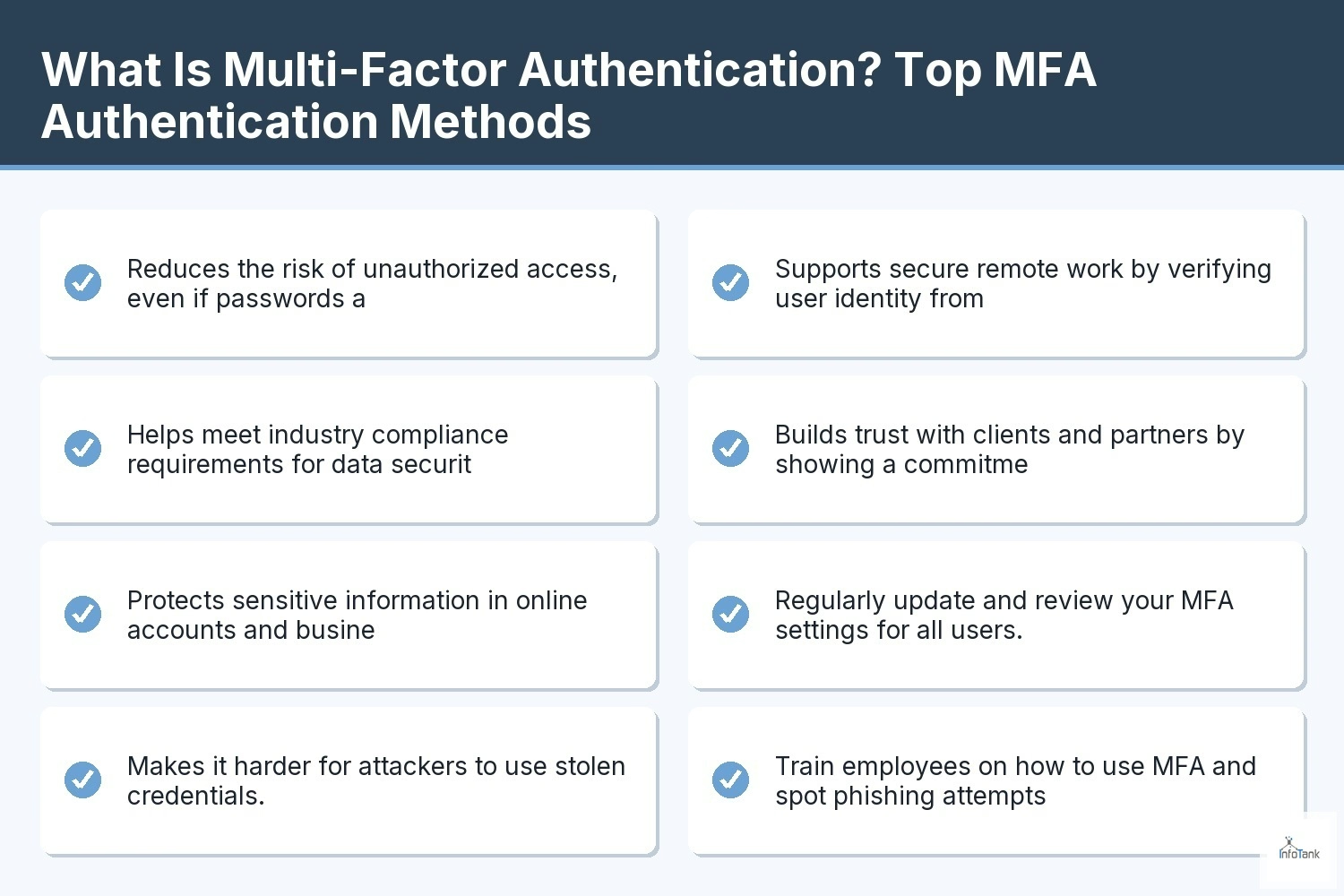
- Reduces the risk of unauthorized access, even if passwords are stolen.
- Helps meet industry compliance requirements for data security.
- Protects sensitive information in online accounts and business systems.
- Makes it harder for attackers to use stolen credentials.
- Supports secure remote work by verifying user identity from anywhere.
- Builds trust with clients and partners by showing a commitment to cybersecurity.

Why two-factor authentication is just the beginning
Two-factor authentication (2FA) is a good start, but it’s only one form of MFA. With 2FA, you use two different ways to prove who you are—like a password and a code from your smartphone. But as threats get more advanced, businesses are moving to more flexible MFA methods.
Some systems now use risk-based authentication, which looks at things like location or device type to decide if extra steps are needed. Others add biometrics, such as fingerprint or face scans, for even stronger security. By going beyond 2FA, you can better protect your business from evolving threats and keep your data safe.
Types of MFA: Choosing the right authentication factor
There are several types of authentication factors you can use for MFA. Here’s a breakdown of the main options and how they work together to secure your business.
Knowledge factors: Something you know
This includes passwords, PINs, or answers to security questions. It’s the most common form of authentication, but also the easiest for attackers to guess or steal.
Possession factors: Something you have
Examples are a hardware token, a code sent to your mobile phone, or an authenticator app like Microsoft Authenticator. These add a physical layer that’s much harder to copy.
Inherent factors: Something you are
Biometric authentication uses things like fingerprints, face recognition, or voice patterns. These are unique to each person and very difficult to fake.
Location-based factors: Where you are
Some MFA systems check your location using GPS or IP address. If you try to log in from an unusual place, you may need to provide extra proof.
Time-based factors: When you log in
A one-time password (OTP) that expires quickly is an example. This makes it hard for attackers to reuse stolen codes.
Adaptive or risk-based MFA method
Modern systems use machine learning to spot unusual login attempts. If something looks risky, they require more authentication steps.
Physical devices as authentication factors
Some businesses use smart cards or USB keys as an extra layer. These physical devices must be plugged in to gain access, making remote attacks much harder.

Practical steps for implementing an authentication method in your business
Getting started with MFA doesn’t have to be complicated. First, decide which accounts and systems need the most protection—like email, financial data, or customer information. Next, choose the right MFA methods for your team. For example, you might use an authenticator app for office staff and hardware tokens for remote workers.
Make sure everyone knows how to set up and use MFA. Provide clear instructions and support, especially for those new to the process. Test your MFA setup regularly, and update it as your business grows or as new threats appear. By making MFA a standard part of your security plan, you’ll keep your business safer and build a culture of cybersecurity.
Best practices for maintaining strong multifactor authentication
To get the most from MFA, follow these proven strategies:
- Regularly update and review your MFA settings for all users.
- Train employees on how to use MFA and spot phishing attempts.
- Use multiple types of authentication factors for extra security.
- Set up backup options in case someone loses access to their second factor.
- Monitor for unusual login activity and respond quickly to alerts.
- Choose reliable systems that support the latest MFA features.
Following these steps helps keep your business protected and your data secure.
How InfoTank can help with what is multi-factor authentication
Are you a growing business looking to improve your security and protect your sensitive data? If you want reliable, easy-to-use solutions that scale with your needs, our team is here to help.
We understand the challenges of setting up and managing multi-factor authentication. InfoTank can guide you through every step, from choosing the right authentication methods to training your staff and monitoring your systems. Contact us today to see how we can make your business safer.
Frequently asked questions
What is the difference between authentication and verification?
Authentication is the process of proving your identity to a system, while verification checks if the information you provide matches what the system expects. For example, when you enter your username and password, the system authenticates you, then verifies those credentials before granting access. Both steps are important for data security.
Verification can also include extra steps like entering a code sent to your mobile phone or answering a security question. Using multiple methods helps prevent unauthorized users from gaining access to your online account.
How does MFA improve cybersecurity for businesses?
MFA adds extra layers of protection by requiring more than just a password. Even if someone steals your credentials, they still need another factor, like a code from an authenticator app or a biometric scan. This makes it much harder for attackers to compromise your systems.
For businesses, MFA helps protect sensitive data, reduces the risk of unauthorized access, and can support compliance with industry regulations. It’s a practical way to boost your overall cybersecurity.
What is an authentication factor, and why does it matter?
An authentication factor is a piece of evidence used to prove your identity. Common factors include something you know (like a password), something you have (like a hardware token), and something you are (like a fingerprint). Using more than one factor makes it much harder for attackers to gain access.
Choosing the right combination of factors is key to strong security. For example, combining a password with a one-time password sent to your smartphone is much safer than using just one method.
How does multi-factor authentication protect against unauthorized access?
Multi-factor authentication requires users to provide two or more forms of identification before logging in. This could be a password and a code from a mobile phone, or a fingerprint and a hardware token. By adding these extra steps, MFA blocks the most common attacks.
If someone tries to log in with stolen credentials, they still need the second factor to gain access. This makes it much harder for unauthorized users to break into your accounts or systems.
What are the main types of MFA and how do they work?
The main types of MFA include knowledge factors (like passwords), possession factors (like tokens or authenticator apps), and inherence factors (like biometrics). Some systems also use location or time-based factors for added security.
Each type of factor adds a different layer of protection. For example, a one-time password from an authenticator app is only valid for a short time, making it difficult for attackers to reuse stolen codes.
How can businesses choose the right authentication method for their needs?
Start by looking at which systems and data need the most protection. Consider the types of users you have and what devices they use. Some teams may prefer using a smartphone with an authenticator app, while others might need hardware tokens or biometric options.
It’s also important to review your MFA method regularly and update it as your business grows or as new threats appear. Reliable systems and regular training help keep your security strong.