.svg)
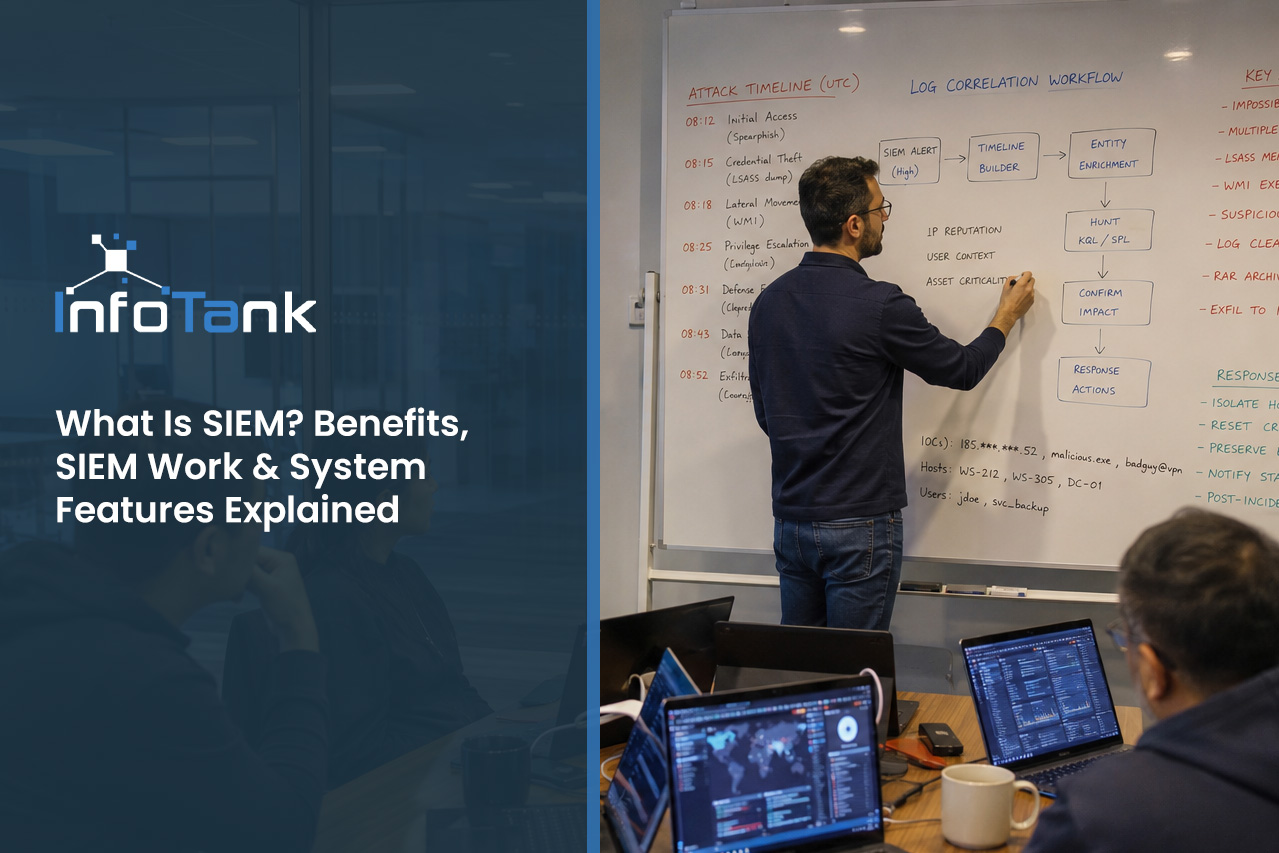
What Is SIEM? Benefits, SIEM Work & System Features Explained
Understanding what SIEM is is essential for any business that wants to protect its data and operations. In this article, you'll learn how security information and event management (SIEM) works, why security monitoring matters, and what makes SIEM logging so important. We'll cover the main components of a SIEM solution, show you how a SIEM system supports compliance, and explain how a security tool can help your cybersecurity team respond to security events. You'll also see how a SIEM platform fits into your overall security operations, including detection and response, and how security analysts use SIEM technology to manage the volume of data from various sources.
What is SIEM: The basics of security information and event management
SIEM stands for Security Information and Event Management. It is a system that collects and analyzes security data from across your IT environment. By bringing together logs and event data from different sources, a SIEM solution helps you detect threats and respond quickly to incidents.
A SIEM system works by gathering information from firewalls, servers, applications, and other devices. It then uses rules and analytics to spot unusual activity. This helps your security team identify risks before they become serious problems. Many businesses use SIEM technology to meet compliance requirements and keep sensitive data safe.
Modern SIEM platforms offer more than just log management. They often include features like machine learning, security orchestration, and automated response. These tools make it easier for security analysts to manage large volumes of data and improve their overall security posture.
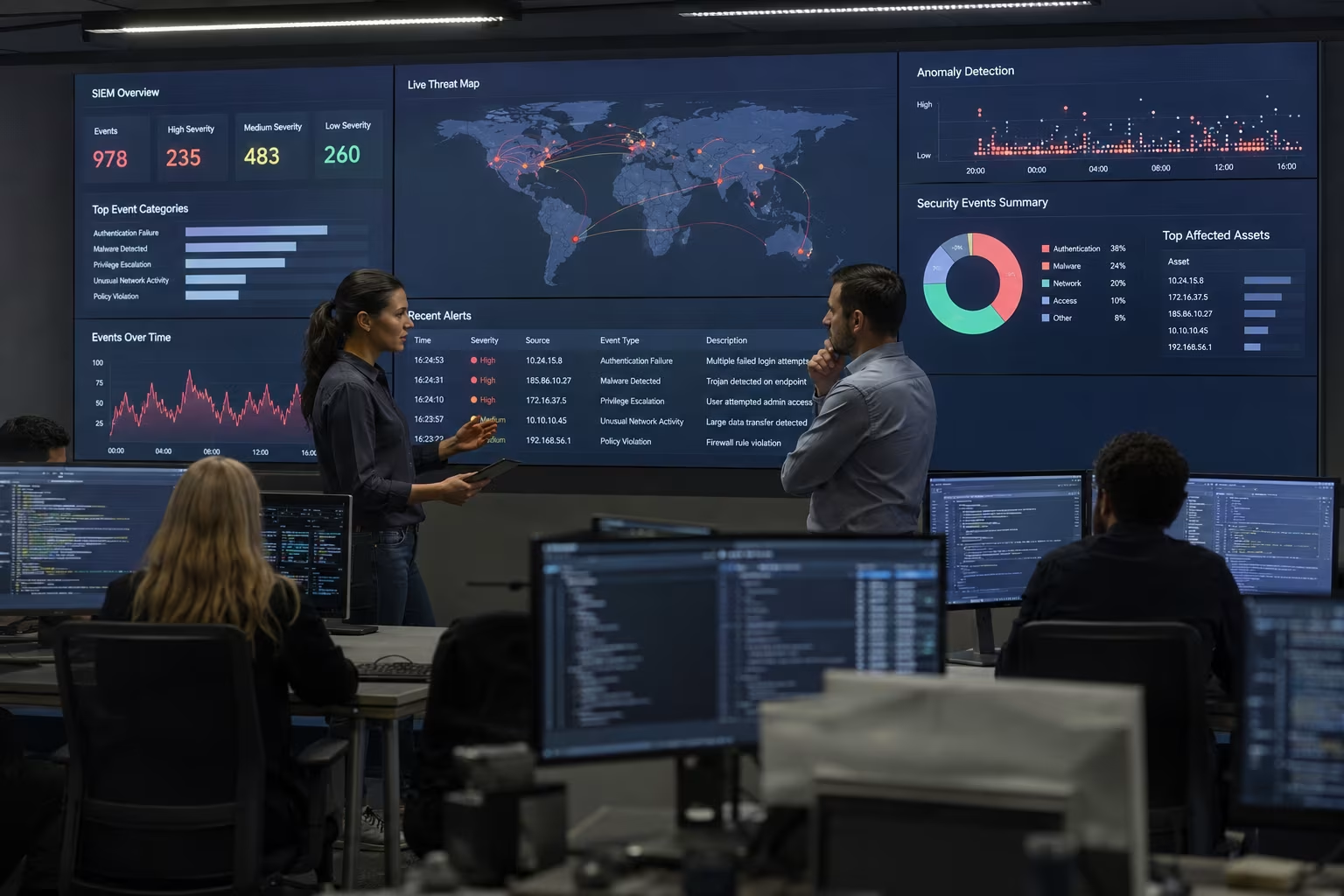
How SIEM work: Key steps to effective security monitoring
To get the most out of a SIEM system, it's important to understand how the process works. Here are the main steps that make SIEM effective for cybersecurity:
Step 1: Collecting event data
A SIEM platform gathers event data from various sources, such as servers, network devices, and security tools. This collection process ensures that nothing important is missed.
Step 2: Normalizing and correlating logs
Once the data is collected, the SIEM tool standardizes (normalizes) it so different formats can be compared. It then correlates events to find patterns that might indicate a security incident.
Step 3: Detecting threats
The system uses analytics, rules, and sometimes machine learning to spot suspicious activity. This helps your security team focus on real threats instead of false alarms.
Step 4: Alerting security analysts
When a potential threat is found, the SIEM sends alerts to security analysts. These alerts include details about the event, making it easier to investigate and respond.
Step 5: Responding to incidents
With the right information, your security operations team can act quickly to contain and resolve incidents. Some SIEM systems include automation features to speed up this process.
Step 6: Reporting and compliance
SIEM technology helps generate reports for compliance and audits. This makes it easier to show that your business is meeting industry standards and regulations.
Step 7: Continuous improvement
Regularly reviewing SIEM data helps your team improve detection and response strategies. Over time, this strengthens your security posture and reduces risk.
Key benefits of using a SIEM solution
Using a SIEM solution offers several important advantages:
- Improved threat detection by analyzing data from multiple sources
- Faster response to security incidents through automated alerts
- Easier compliance reporting with built-in templates
- Centralized log management for better visibility
- Enhanced security operations with real-time monitoring
- Reduced workload for security analysts by filtering out false positives

SIEM system features: What to look for in a modern platform
A modern SIEM system includes several features that help businesses manage security more effectively. Look for solutions that offer real-time monitoring, advanced analytics, and easy integration with your existing tools. Automated response and machine learning capabilities can also make a big difference in how quickly your team can react to threats. The ability to handle large volumes of event data and support for compliance reporting are also important.
When evaluating SIEM platforms, consider how well they fit with your security operations center and whether they can scale as your business grows. A good SIEM should make it easier for your security team to detect, investigate, and respond to security events.
SIEM use cases: Practical applications for your business
SIEM technology can be used in many ways to improve your security posture. Here are some common use cases:
Use case 1: Detecting insider threats
A SIEM solution can spot unusual behavior from employees or contractors, helping you catch insider threats before they cause damage.
Use case 2: Monitoring compliance
Many businesses use SIEM systems to track compliance with industry regulations. Automated reports make audits easier and reduce the risk of fines.
Use case 3: Responding to advanced threats
Modern SIEM platforms use machine learning to identify complex attacks that traditional tools might miss. This helps your team respond faster to new threats.
Use case 4: Managing security incidents
When a security incident occurs, a SIEM tool provides the information your team needs to investigate and resolve the issue quickly.
Use case 5: Supporting security operations centers
A SIEM system acts as the central hub for your security operations center, giving analysts the data they need to monitor and protect your environment.
Use case 6: Integrating with SOAR platforms
Some SIEM solutions work with Security Orchestration, Automation, and Response (SOAR) tools to automate repetitive tasks and streamline incident response.
Use case 7: Handling large volumes of data
As your business grows, the volume of data increases. SIEM systems collect and process this data efficiently, ensuring nothing slips through the cracks.
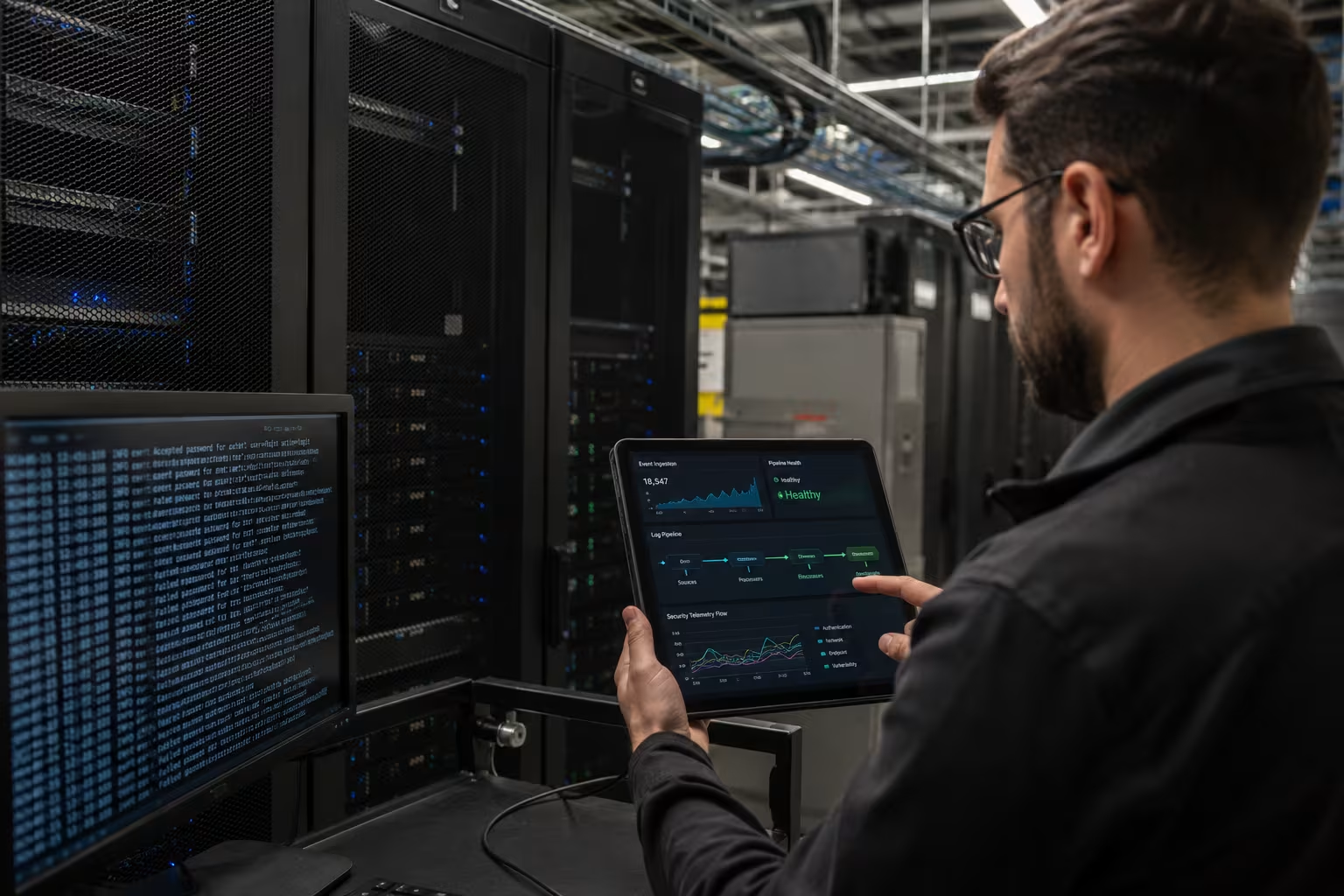
Implementing a SIEM tool: What you need to know
Setting up a SIEM tool requires careful planning. Start by identifying the data sources you want to monitor, such as firewalls, servers, and cloud applications. Make sure your SIEM system can integrate with these sources and handle the expected volume of data.
Next, define the rules and alerts that matter most to your business. Work with your security team to set up dashboards and reports that make it easy to spot issues. Regularly review and update your SIEM configuration to keep up with new threats and changes in your IT environment.
Training your security analysts is also important. Make sure they know how to use the SIEM platform effectively and can respond quickly to alerts. Over time, your team will get better at using the system to protect your business.
Best practices for SIEM logging and management
To get the most value from your SIEM investment, follow these best practices:
- Regularly update and tune your SIEM rules to reduce false positives
- Integrate all critical data sources for complete visibility
- Train your security team on how to use the SIEM platform
- Schedule regular reviews of SIEM reports and alerts
- Use automation features to speed up incident response
- Monitor system performance to ensure your SIEM can handle the data load
Following these steps will help you maintain a strong security posture and get the most out of your SIEM technology.

How InfoTank can help with what is SIEM
Are you looking for a reliable SIEM solution to protect your growing business? If you want to improve your security operations, meet compliance requirements, and make life easier for your security team, we can help. Our team specializes in helping businesses set up and manage SIEM systems that fit their unique needs.
We understand the challenges of handling large volumes of data and responding to security incidents quickly. InfoTank offers expert guidance, ongoing support, and modern SIEM technology to keep your business safe. Contact us today to learn how we can help you strengthen your security posture.
Frequently asked questions
What are the main benefits of SIEM for businesses?
A SIEM solution helps businesses improve their security posture by providing real-time visibility into security events and automating threat detection. It also supports compliance by generating reports that meet regulatory requirements and helps your security team respond faster to incidents.
By using a SIEM platform, you can centralize log management, reduce manual work for security analysts, and ensure your security operations center stays ahead of threats. This makes it easier to protect sensitive data and maintain trust with clients.
How does SIEM work to detect threats?
A SIEM system collects event data from various sources, such as servers and security tools, and analyzes it for suspicious activity. The system uses rules, analytics, and sometimes machine learning to identify potential threats and alert your security team.
This process allows security operations to focus on real risks instead of false alarms. Over time, your team can fine-tune the SIEM tool to improve detection and response.
What should I look for in a SIEM system?
When choosing a SIEM system, look for features like real-time monitoring, easy integration with your existing IT environment, and strong reporting capabilities. Make sure the system can handle the volume of data your business generates and supports compliance needs.
A good SIEM platform should also offer automation and machine learning to help your security analysts respond quickly to incidents. Consider how well the system fits with your security operations center and existing security information management tools.
How does SIEM support cybersecurity in my organization?
SIEM technology strengthens your cybersecurity by providing a central view of all security events and enabling faster detection of threats. It helps your security team investigate incidents and respond before they cause damage.
By using a SIEM tool, you can automate routine tasks, improve compliance, and ensure your security operations are always up to date. This makes it easier to protect your business from evolving cyber threats.
What are some common SIEM use cases?
Common SIEM use cases include detecting insider threats, monitoring compliance, and responding to advanced attacks. Businesses also use SIEM systems to manage security incidents and support their security operations center.
With the ability to collect data from various sources, SIEM solutions help security analysts identify patterns and respond to incidents quickly. This improves your overall security posture and reduces risk.
What is the difference between SIEM logging and traditional log management?
SIEM logging goes beyond basic log management by analyzing and correlating data from multiple sources to detect threats. While traditional log management stores and organizes logs, SIEM technology uses advanced analytics to identify suspicious activity.
This approach gives your security team deeper insights into security events and helps automate the detection and response process. It also supports compliance by generating detailed reports for audits.