.svg)

Email Spam Filtering: How the Best Spam Filters Work for Email Security
Keeping your business inboxes clean is more important than ever. Email spam filtering helps you block unwanted email, protect your team from malicious messages, and keep your email account safe from threats like malware. In this blog, you’ll learn how spam filters work, what types of spam filters exist, and how to choose the best spam filters for your needs. We’ll also cover key features, common challenges, and practical steps to get started with email spam filtering.
Understanding email spam filtering basics
Email spam filtering is a process that scans incoming messages and blocks spam before it reaches your inbox. This is essential for businesses that want to avoid wasted time, reduce the risk of malware, and improve overall email security. By using a reliable spam filter, you can keep your team focused and your data protected.
Spam filters look at many details, such as the sender’s email addresses, message content, and even patterns in email traffic. Some filters use machine learning to get better at spotting new threats. This means your business stays ahead of spammers, even as their tactics change.
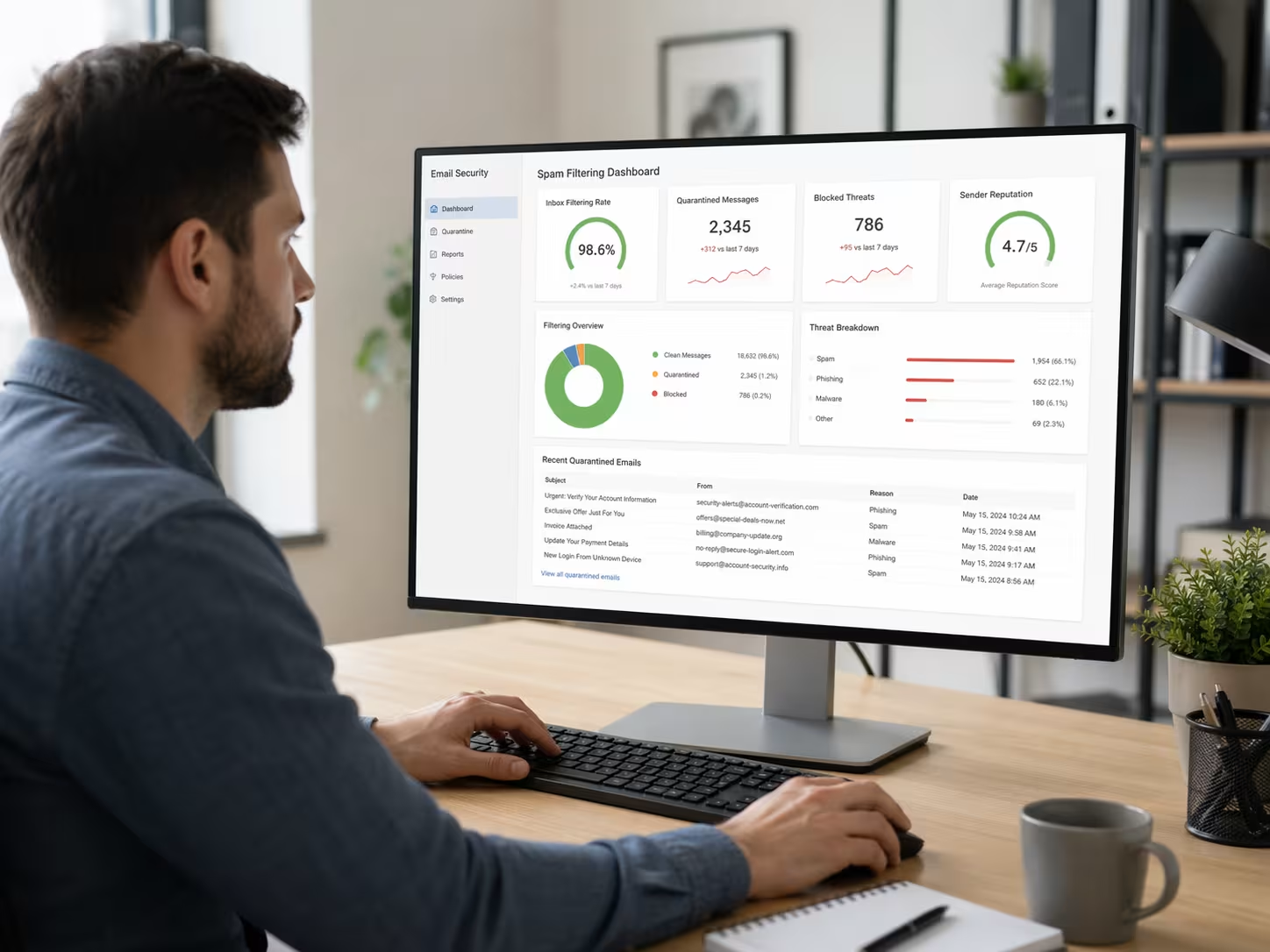
Top mistakes businesses make with spam filter work
Even with the best intentions, many companies slip up when setting up or managing their email spam filtering. Here are the most common mistakes you should avoid:
Mistake #1: Relying only on default filters
Many email services come with basic spam filters, but these aren’t always enough. Relying only on default settings can leave your inboxes open to unwanted email and more sophisticated attacks.
Mistake #2: Ignoring regular filter updates
Spam tactics change quickly. If you don’t update your spam filter rules or software, you risk missing new types of threats. Regular updates help keep your email security strong.
Mistake #3: Not training your team
If your staff doesn’t know how to spot suspicious messages, even the best spam filters can’t catch everything. Training helps everyone recognize and report spam email that slips through.
Mistake #4: Overlooking false positives
Sometimes, important emails end up in the spam folder by mistake. Not checking your spam folder regularly could mean missing out on critical business messages.
Mistake #5: Failing to customize filter settings
Every business is different. Customizing your spam filter to fit your specific needs helps reduce both spam and false positives, making your email filtering more effective.
Mistake #6: Skipping sender whitelists
Not adding trusted senders to your whitelist can cause their emails to be blocked. Make sure your filter recognizes key contacts to avoid communication breakdowns.
Key benefits of strong spam filtering
A good email spam filtering system offers several important advantages:
- Reduces the risk of malware by blocking dangerous attachments and links.
- Saves time by keeping junk email out of your team’s inboxes.
- Protects sensitive data from phishing and other email-based attacks.
- Improves email security by filtering out messages from known spammers.
- Helps your business stay compliant with privacy and data protection rules.
- Keeps your email account running smoothly by managing email traffic efficiently.

How email filtering protects your business
Email filtering does more than just block spam. It acts as a shield against a wide range of threats that target businesses. By analyzing every incoming message, filters work to detect malicious content, suspicious links, and unusual sender behavior.
Modern spam filters can also spot phishing attempts, which are emails designed to trick you into giving away sensitive information. By catching these early, email filtering helps prevent costly data breaches and keeps your business reputation intact.
Types of spam filters and how they detect spam
There are several types of spam filters, each using different methods to keep your inbox clean. Here’s a closer look at how they work:
Content-based filters
These filters scan the text of each email for common spam words or phrases. If a message matches known spam patterns, it’s sent to the spam folder.
Blacklist filters
Blacklist filters block emails from known spammers or suspicious email addresses. This helps stop unwanted email before it even reaches your inbox.
Whitelist filters
Whitelist filters allow emails from trusted senders to go straight to your inbox. This reduces the chance of important messages being marked as spam.
Rule-based filters
These filters use custom rules set by your IT team. For example, you might block emails with certain attachments or from specific domains.
Bayesian filters
Bayesian filters use statistics to learn what spam looks like based on your past emails. Over time, they get better at catching new types of spam.
Machine learning filters
Machine learning filters analyze huge amounts of email traffic to spot new spam trends. They adapt quickly, making them one of the best spam filters for businesses facing evolving threats.
Hybrid filters
Hybrid filters combine several methods for maximum protection. They offer a balance of accuracy and flexibility, making them ideal for most business environments.

Practical steps for implementing email spam filters work
Getting started with email spam filtering doesn’t have to be complicated. First, review your current email security setup and identify any gaps. Choose a spam filter that fits your business needs—look for features like machine learning, easy customization, and strong reporting tools.
Next, set up your filter and customize the rules to match your company’s workflow. Make sure to add trusted senders to your whitelist and regularly review your spam folder for false positives. Finally, train your team on how to spot and report suspicious emails. This keeps everyone involved in protecting your business.
Best practices for managing your spam folder
Managing your spam folder is just as important as setting up your filter. Here are some best practices to follow:
- Check your spam folder regularly for important emails that may have been blocked by mistake.
- Update your spam filter rules and software often to stay ahead of new threats.
- Add trusted senders to your whitelist to make sure their messages reach your inbox.
- Remove old or unused email addresses from your system to reduce the risk of spam.
- Monitor email traffic for unusual patterns that could signal a new spam campaign.
- Encourage your team to report suspicious emails so your filters can learn and improve.
Staying proactive with your spam folder management helps keep your business communications running smoothly.
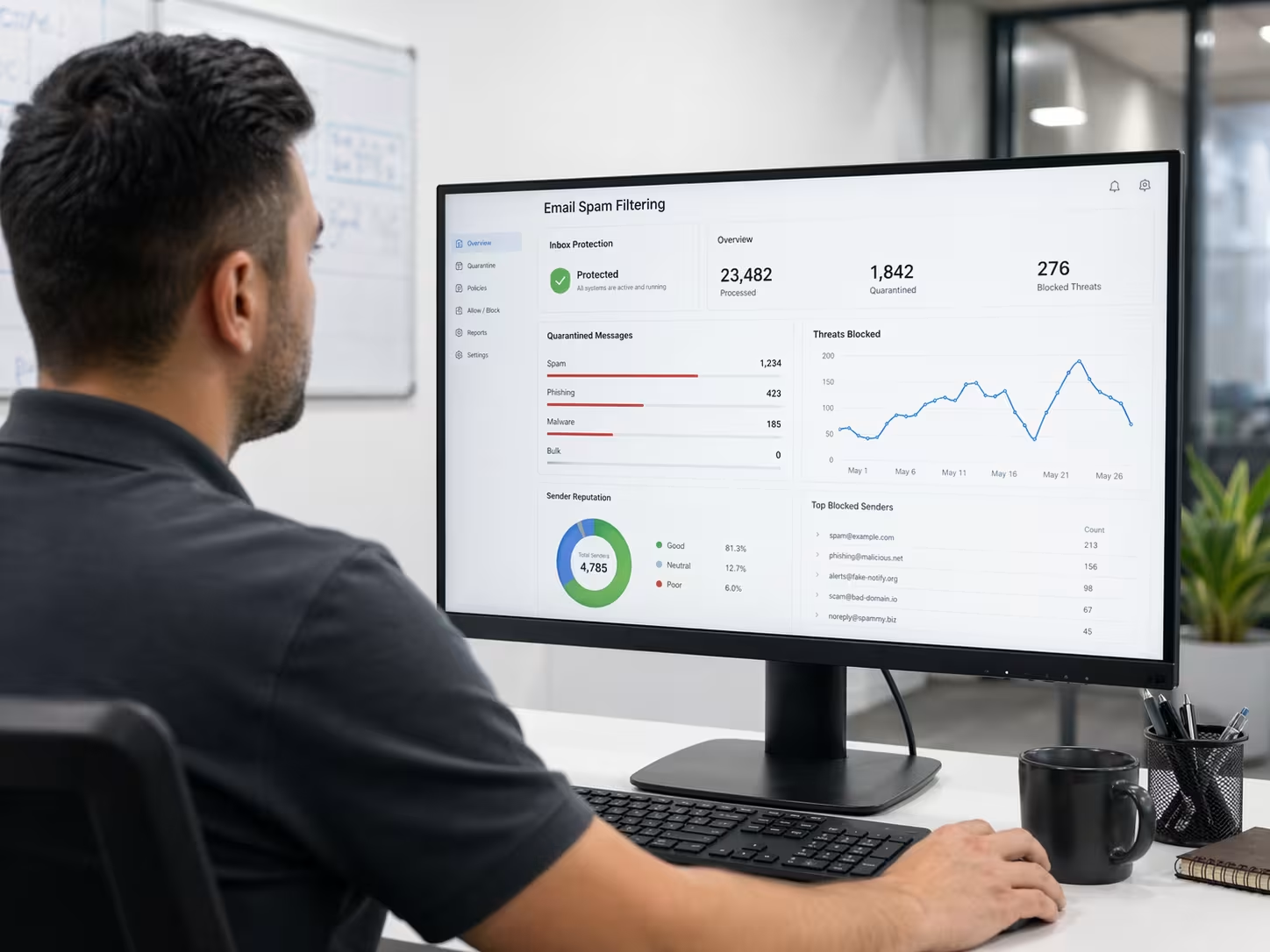
How InfoTank can help with email spam filtering
Are you a growing business looking for reliable email spam filtering solutions? If you want to protect your data, save time, and improve email security, our team can help you find the best spam filters for your needs.
We understand the challenges businesses face with unwanted email and complex filter setups. Let us help you secure your inboxes and keep your operations running smoothly. Contact us today to learn more about our email spam filtering services.
Frequently asked questions
What is a spam filter, and how does it work?
A spam filter is a tool that scans incoming emails to block unwanted emails and protect your inboxes. It checks for signs of spam, such as suspicious sender addresses or known spam content, and moves those messages to a separate folder. This helps keep your email account safe from spammers and reduces the risk of malware.
Spam filters work by using rules, blacklists, and sometimes machine learning to detect patterns in email traffic. By doing this, they can catch both common and new types of spam before they reach your inbox.
Why is email security important for businesses?
Email security is crucial because it protects your business from malicious attacks, such as phishing and malware. These threats can lead to data breaches or loss of sensitive information if not managed properly.
By using strong spam filters and training your team, you can reduce the risk of unwanted email and keep your business communications safe. Good email security also helps maintain your company’s reputation and trust with clients.
How does email filtering help detect spam email?
Email filtering scans every message for signs of spam, such as suspicious links or attachments. It uses advanced algorithms and sometimes machine learning to spot new threats that traditional filters might miss.
By analyzing sender behavior and message content, email filtering can block spam email before it reaches your inboxes. This keeps your team focused and your systems protected from potential harm.
What are the different types of spam filters?
There are several types of spam filters, including content-based, blacklist, whitelist, Bayesian, and machine learning filters. Each type uses different methods to identify and block spam.
Choosing the right filter depends on your business needs and the types of email you receive. Combining multiple filters often provides the best protection against spammers and unwanted email.
How do spam filters look for malicious content?
Spam filters look for malicious content by scanning emails for known malware signatures, suspicious attachments, and unusual sender patterns. They also check for links that could lead to harmful websites.
By using machine learning and analyzing email traffic, spam filters can detect new threats quickly. This helps keep your email account and sensitive data safe from cybercriminals.
Can spam in Gmail be stopped with business filters?
Yes, business-grade spam filters can help stop spam in Gmail and other email platforms. These filters offer more advanced features than standard consumer tools.
By setting up custom rules and monitoring your spam folder, you can block unwanted email and reduce the risk of phishing or malware. Regular updates and team training are also key to keeping your email security strong.