.svg)
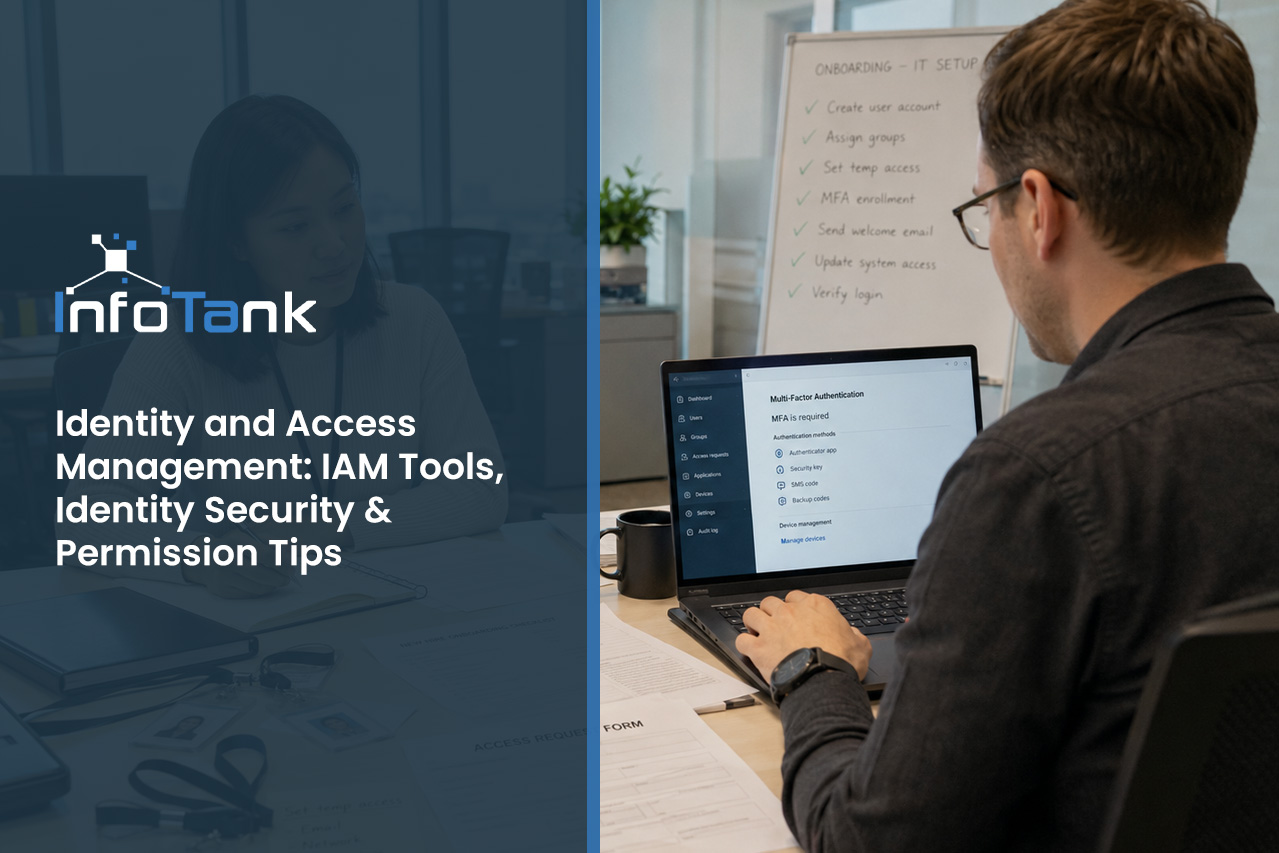
Identity and Access Management: IAM Tools, Identity Security & Permission Tips
Businesses face more digital threats than ever, making identity and access management a critical part of your security strategy. In this blog, you’ll learn what identity and access management is, why it matters for your company, and how to avoid common mistakes. We’ll also cover authentication, digital identities, and how an IAM system can help you manage identities and secure access to resources. By the end, you’ll know the key features, challenges, and best practices for building a strong identity security posture.
Understanding identity and access management
Identity and access management is the process of making sure only the right people can access your company’s systems and data. It’s about controlling who can log in, what they can see, and what actions they can take. IAM helps protect your business from unauthorized access and keeps sensitive information safe.
A strong IAM system uses authentication and authorization to verify users and control their permissions. This means you can manage digital identities, set levels of access, and monitor who is using your resources. With the right IAM solution, you reduce security risk and keep your business running smoothly.

Common myths and mistakes about IAM, identity, and authentication
Many companies misunderstand identity and access management or make mistakes that put their data at risk. Here are some of the most common issues and why they matter.
Mistake #1: Thinking passwords are enough
Relying only on passwords for authentication leaves your systems open to attacks. Hackers can guess or steal passwords, so you need extra security measures like multi-factor authentication.
Mistake #2: Ignoring permission reviews
If you don’t review and update user permissions regularly, people might keep access they no longer need. This increases your security risk and makes it easier for attackers to move around your network.
Mistake #3: Overlooking identity sprawl
When employees use many different accounts and services, it’s hard to keep track of all their digital identities. This identity sprawl can lead to lost credentials and weak spots in your security.
Mistake #4: Not using an IAM solution
Trying to manage access manually is slow and error-prone. IAM tools automate the process, making it easier to manage identities and enforce policies.
Mistake #5: Delaying updates to IAM tools
Outdated IAM tools may not protect against new threats. Regular updates help you stay ahead of attackers and keep your identity security strong.
Mistake #6: Failing to train users
If users don’t know how to protect their credentials or spot phishing attempts, your IAM system won’t be as effective. Training helps everyone play a part in security.
Key benefits of a modern IAM system
A reliable IAM system offers several important advantages:
- Reduces the risk of unauthorized access by verifying user identities
- Simplifies access control with single sign-on and role-based access control
- Makes it easier to manage identities and permissions as your business grows
- Improves compliance with data protection regulations
- Increases productivity by streamlining secure access to resources
- Helps detect and respond to security threats faster

The role of IAM solutions and tools in identity security
IAM solutions and tools are designed to help you manage access and protect your business from security threats. These systems automate the process of verifying identities, assigning permissions, and monitoring user activity. By using an IAM solution, you can enforce consistent security policies across all your systems.
Identity security is about more than just keeping hackers out. It’s also about making sure your employees, partners, and customers can access what they need without unnecessary barriers. IAM tools help you balance security and usability, so your team can work efficiently while keeping sensitive data safe.
Strategies for managing access and reducing your identity attack surface
Managing access is a key part of reducing your identity attack surface. Here are some strategies to help you stay secure.
Strategy #1: Use role-based access control
Assign users to roles based on their job functions. This way, each person only gets the permissions they need, reducing the risk of accidental or intentional misuse.
Strategy #2: Enable single sign-on
Single sign-on lets users access multiple systems with one set of credentials. This makes it easier to manage identities and reduces the number of passwords users need to remember.
Strategy #3: Monitor access to resources
Keep track of who is accessing your systems and data. Regular monitoring helps you spot unusual activity and respond quickly to potential threats.
Strategy #4: Require multi-factor authentication
Adding another layer of authentication, like a code sent to a phone, makes it much harder for attackers to break in—even if they have a password.
Strategy #5: Regularly review and update permissions
Set up a schedule to check user permissions and remove access that’s no longer needed. This keeps your systems clean and secure.
Strategy #6: Educate users about security risks
Teach your team how to recognize phishing attempts and protect their credentials. Informed users are less likely to fall for scams that could compromise your IAM system.

Implementing IAM: Practical steps for your business
Getting started with identity and access management doesn’t have to be complicated. First, identify all the systems and data that need protection. Then, choose an IAM solution that fits your business size and needs. Make sure it supports features like authentication and authorization, role-based access control, and single sign-on.
Next, set clear policies for managing identities and permissions. Train your team on how to use the new system and why security measures are important. Finally, review your IAM setup regularly to keep up with changes in your business and new security threats.
Best practices for identity and access management
Following these best practices will help you get the most out of your IAM system:
- Use strong authentication methods, like multi-factor authentication
- Review and update user permissions on a regular schedule
- Monitor user activity for signs of unusual behavior
- Train employees on security basics and safe credential handling
- Choose IAM tools that integrate with your existing systems
- Document your access control policies and update them as needed
Staying proactive with IAM helps protect your business and keeps your data secure.

How InfoTank can help with identity and access management
Are you a growing business looking to improve your security and manage access more effectively? If you want to protect your company’s data and simplify how you manage digital identities, we can help. Our team understands the challenges businesses face as they expand and need to keep sensitive information safe.
We offer reliable systems and expert support to help you implement identity and access management that fits your needs. Let us show you how the right IAM solution can reduce your security risk and make your business more efficient. Contact us today to get started.
Frequently asked questions
What is identity and access management, and why do I need it?
Identity and access management is a way to control who can access your company’s systems and data. It uses access control and authentication to make sure only authorized users can log in and perform certain actions. This helps protect sensitive information and reduces the risk of data breaches.
By managing digital identities and setting clear permissions, you can keep your business secure and meet compliance requirements. IAM also makes it easier to manage identities as your company grows.
How does IAM improve authentication and protect credentials?
IAM systems use multiple authentication methods to verify user identities, such as passwords, biometrics, or security tokens. This makes it harder for attackers to gain access with stolen credentials. IAM also enforces strong password policies and can require multi-factor authentication for extra protection.
By managing credentials centrally, you reduce the risk of weak or reused passwords. IAM helps you track who has access to what, making it easier to spot and fix security issues.
What permissions should I set for different users?
It’s important to assign permissions based on each user’s job role and responsibilities. Role-based access control lets you group users and give them only the access they need. This limits the chance of accidental or intentional misuse of sensitive data.
Regularly review and update permissions to keep your systems secure. IAM tools can help automate this process and ensure your access control policies stay up to date.
How do IAM solutions help with compliance and security risk?
IAM solutions help your business meet compliance requirements by tracking who accesses sensitive data and when. They create detailed logs and reports that make audits easier and more accurate. This transparency reduces your overall security risk.
By automating identity management and enforcing consistent policies, IAM solutions lower the chance of human error. They also help you respond quickly to security incidents by revoking access or changing permissions as needed.
What are the benefits of using IAM tools for identity security?
IAM tools simplify the process of managing digital identities and securing access to resources. They automate tasks like user provisioning, password resets, and permission changes. This saves time and reduces the risk of mistakes.
With IAM tools, you can enforce security measures like multi-factor authentication and single sign-on. This strengthens your identity security and makes it easier for users to access the systems they need.
How can I reduce my identity attack surface with IAM?
Reducing your identity attack surface means limiting the ways attackers can get into your systems. IAM helps by enforcing strong authentication and regularly reviewing user permissions. It also allows you to monitor user activity for signs of suspicious behavior.
Implementing IAM best practices, like using role-based access control and single sign-on, further reduces your risk. By keeping your IAM system up to date, you make it harder for attackers to find weak spots.